The daily check
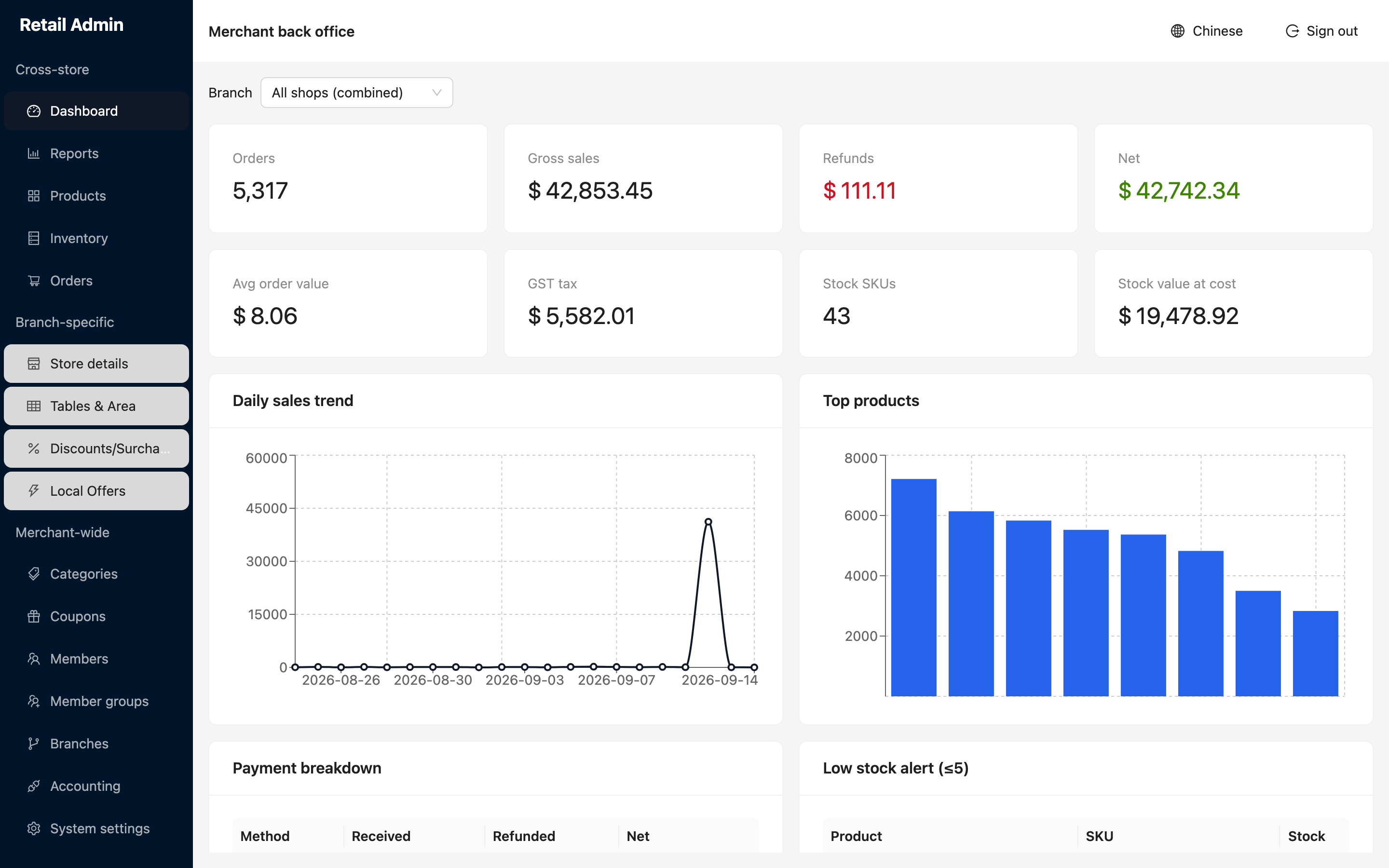
The first screen after you sign in, and enough to answer "how did we do and what needs attention".
- Click Dashboard. Leave Branch on All shops (combined) to see the business as a whole, or pick one branch to isolate it.
- Read the cards across the top: Orders, Gross sales, Refunds, Net, then Avg order value, GST tax, Stock SKUs and Stock value at cost.
- Check Daily sales trend for the shape of the period and Top products for what is carrying it.
- Read Payment breakdown to see what was received, refunded and netted by each payment method.
- Work down Low stock alert (≤5) — every product at five units or fewer, with its SKU and remaining stock. That is your reorder list.